 Tone Caliper
Press kit
Writing about Tone Caliper? Everything on this page — the copy, the logos, and the screenshots — is yours to use in coverage. For interviews, review licenses, or anything missing here, email contact@tonecaliper.com.
Fact sheet
- Product
- Tone Caliper
- What it is
- A color-focused, minimal photo editor.
- Developer
- Light Year Interactive Inc. — Ontario, Canada
- Platforms
- Windows 10 & 11 (64-bit) and macOS 26 Tahoe on Apple silicon. A separate iPad app is coming to the App Store.
- Status
- Version 1.0. The app updates itself.
- Price
- One-time purchase, $59. No subscription — $49 through October 12 to mark the 1.0 launch. Free 7-day full-featured trial.
- Reads
- JPEG, PNG, TIFF, HEIF, and camera RAW — Canon, Nikon, Sony, Fujifilm, Panasonic, Olympus/OM System, Pentax, and Adobe DNG.
- Website
- tonecaliper.com
- Press contact
- contact@tonecaliper.com
Boilerplate
Use these as-is, trim them, or rewrite them — whatever fits the piece.
Tone Caliper is a color-focused, minimal photo editor for Windows and macOS: see the colors in your photo on a wheel, then move them where you want them to go.
Tone Caliper is a photo editor built around a color wheel. Your photo's colors appear on the wheel exactly as they are, and you grade by placing pins and moving them — no channel curves or slider stacks to translate in your head. Around the wheel sit RAW develop, tone controls, linear and radial masks, a black-and-white conversion that starts from color, film grain, and LUT import and export. Editing is non-destructive (originals stay read-only, every edit lives in a single catalog file) and fully local (photos are never uploaded). It reads JPEG, PNG, TIFF, HEIF, and camera RAW from the major brands, and it is a one-time purchase with no subscription. Tone Caliper is made by Light Year Interactive Inc. in Ontario, Canada.
What's in 1.0
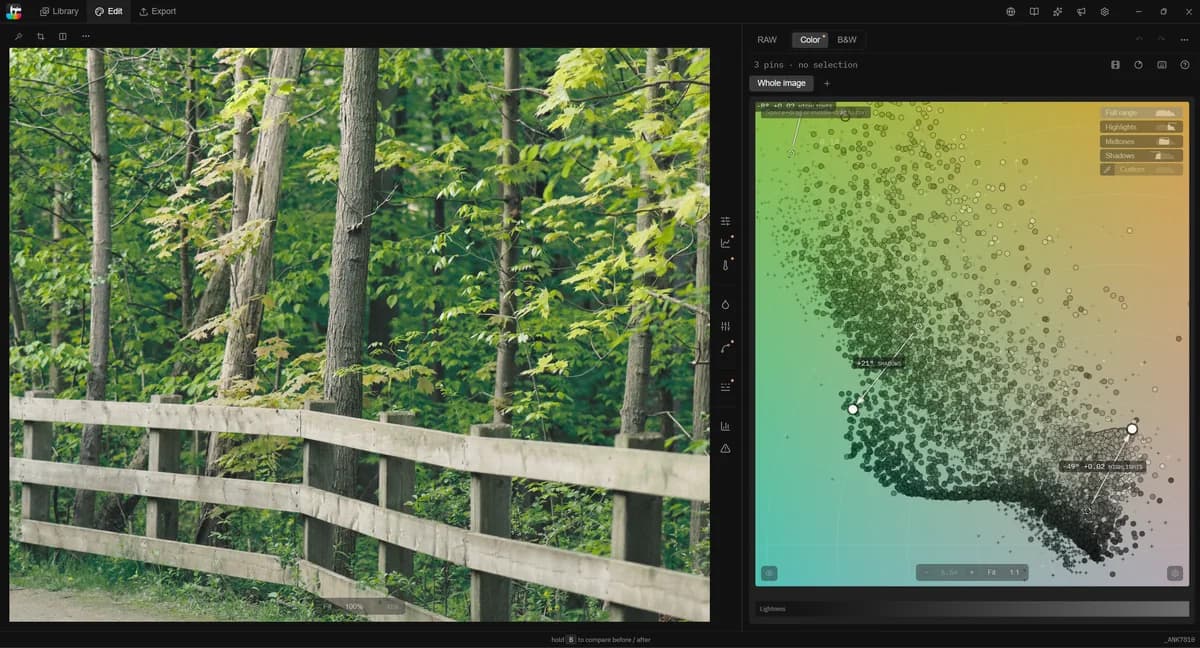
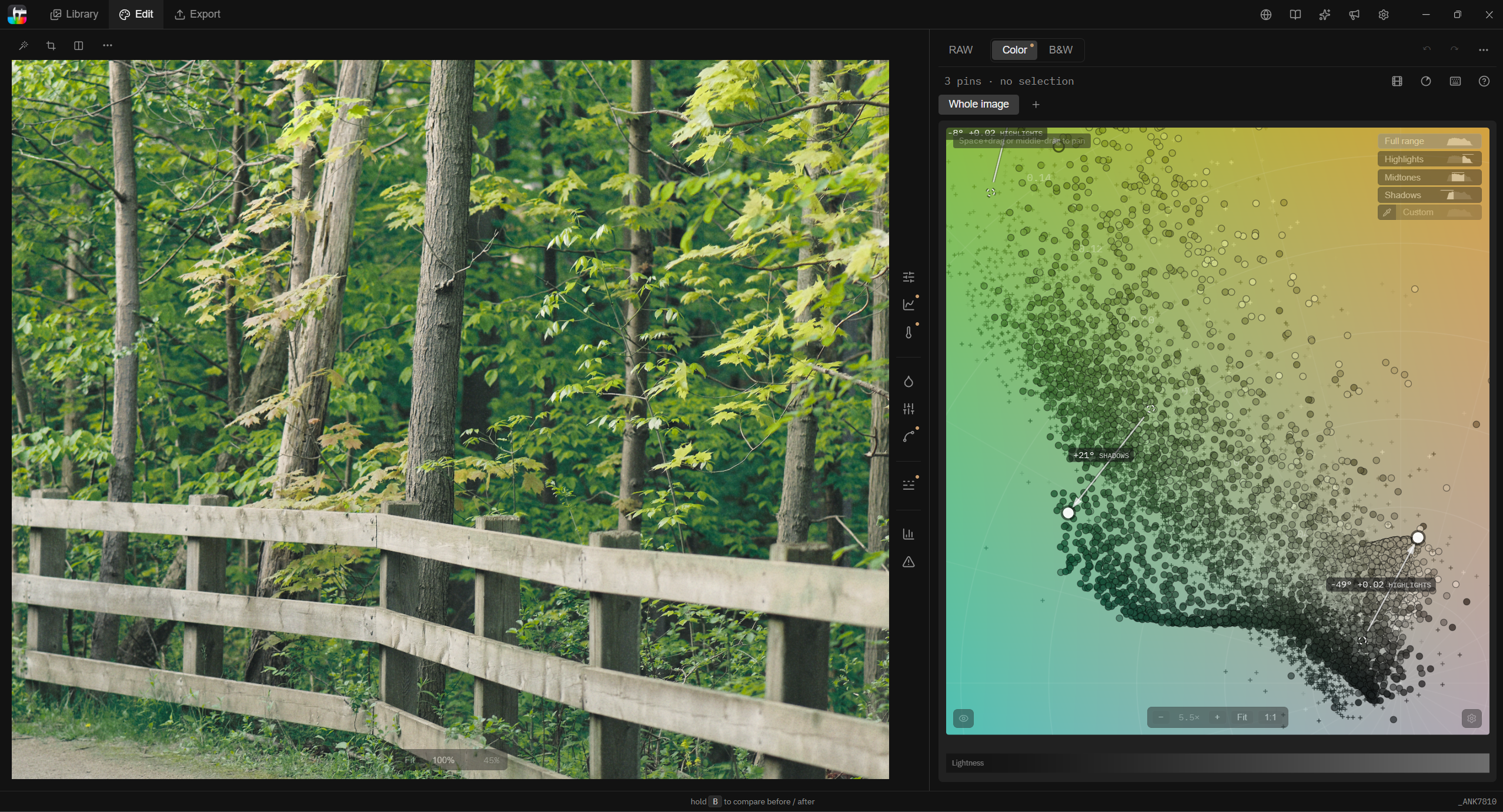
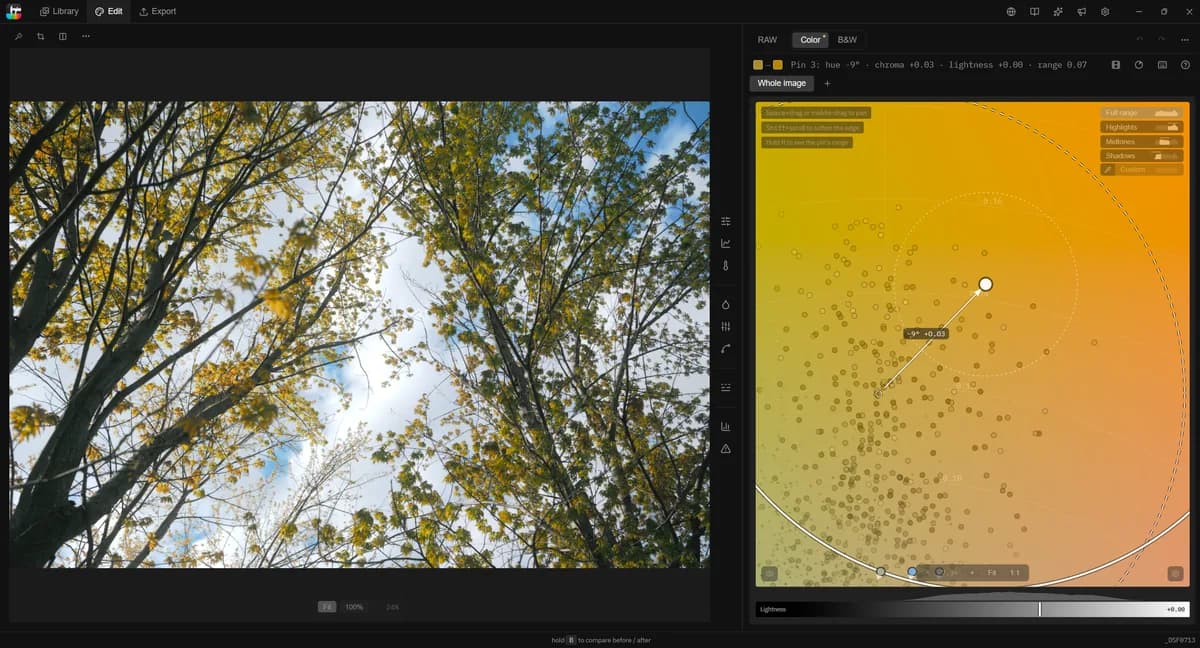
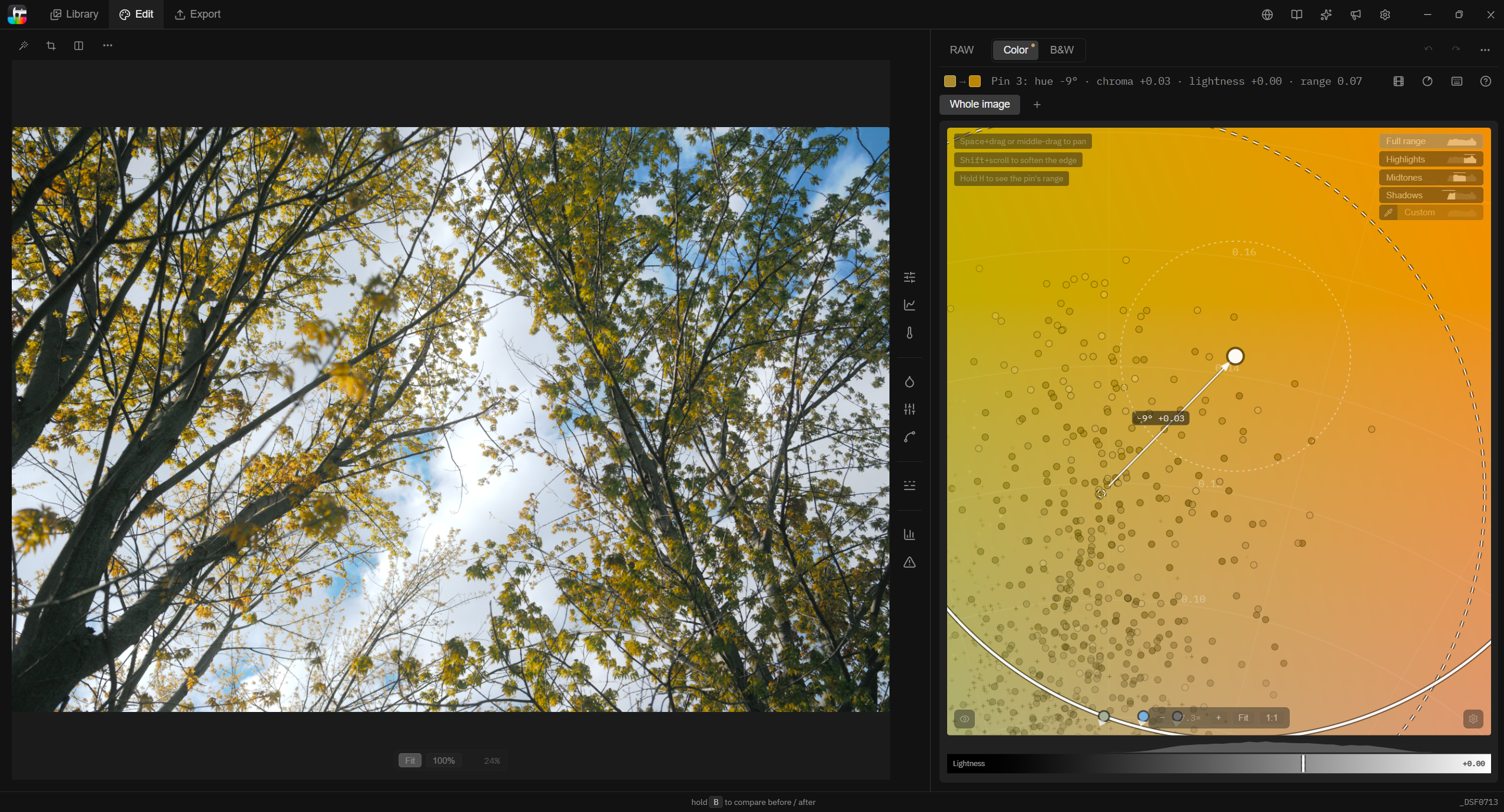
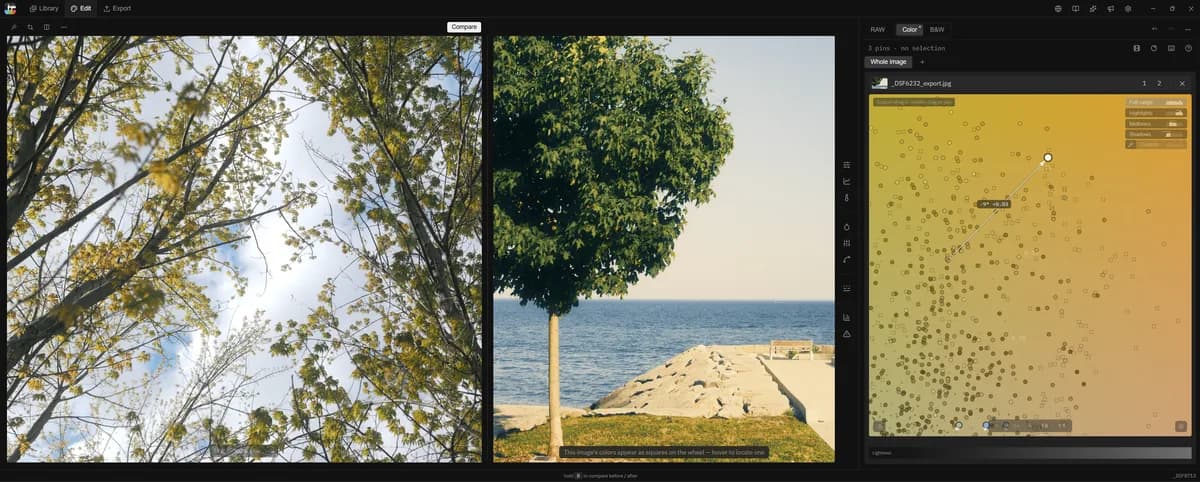
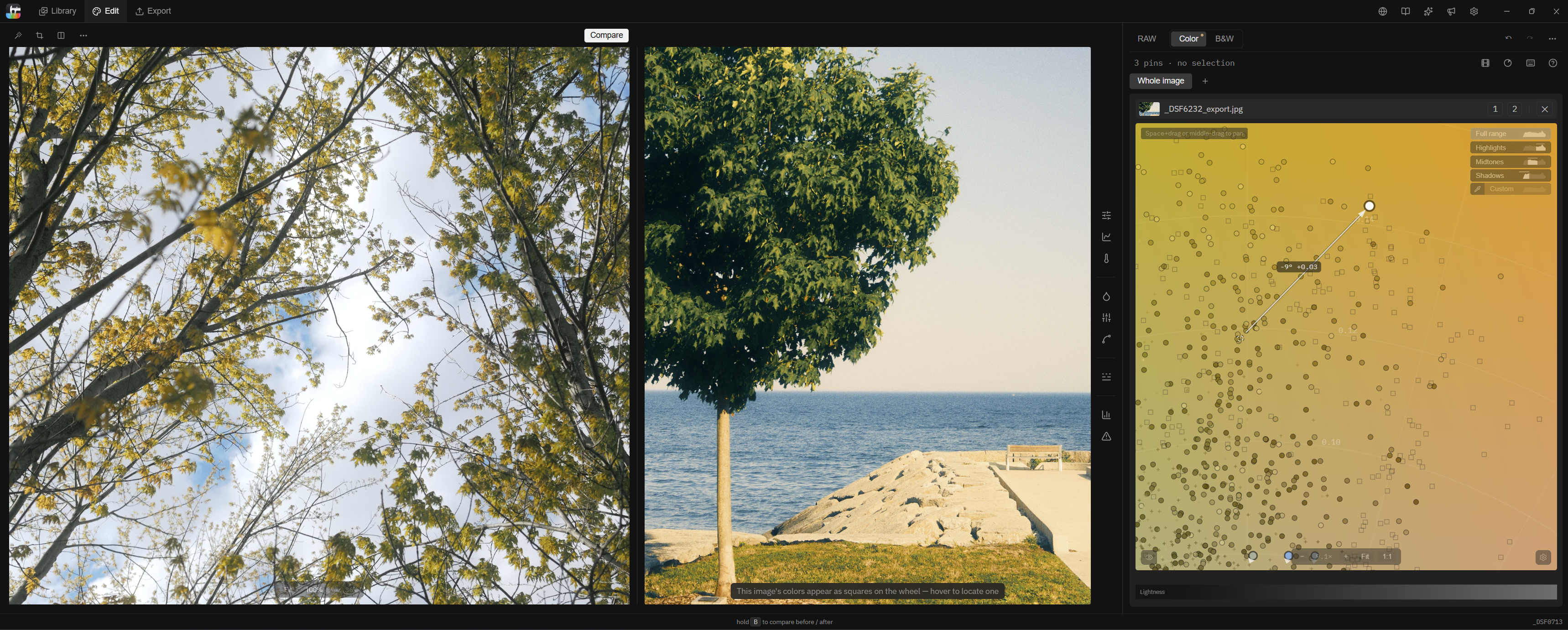
- Interactive color wheel — Select and move your photo’s colors directly on the wheel.
- Live color wheel — Watch your photo’s colors move on the wheel as you adjust your grade.
- RAW editing — Work directly with your camera’s RAW files.
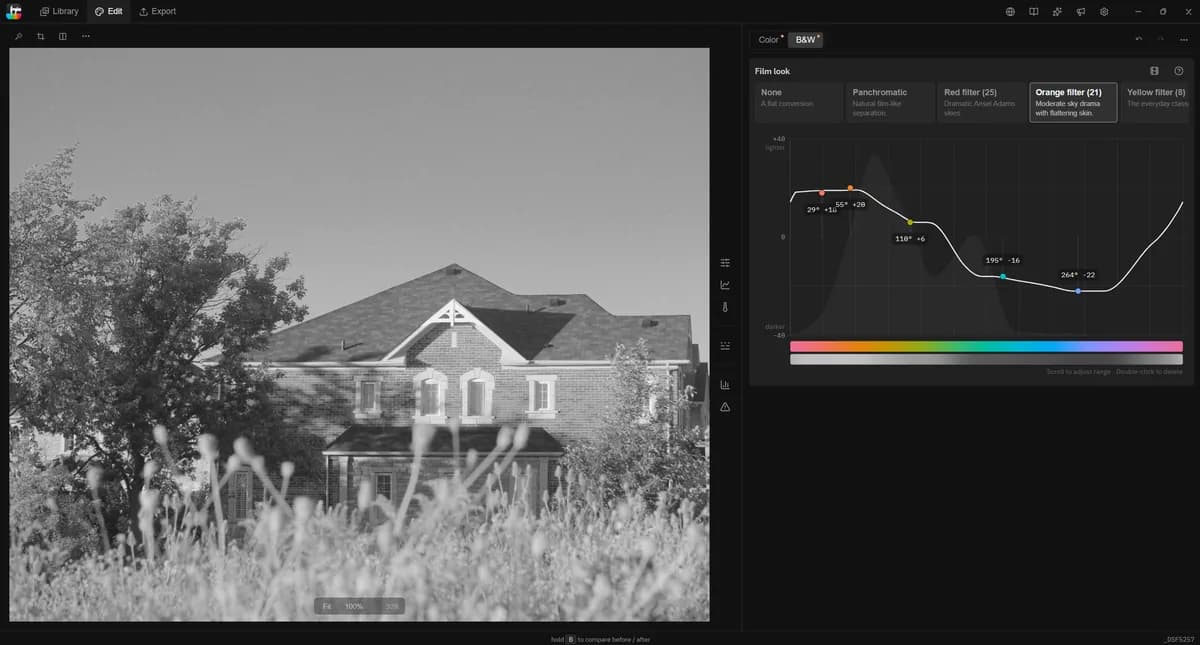
- Black and white — Shape how each color becomes a shade of gray.
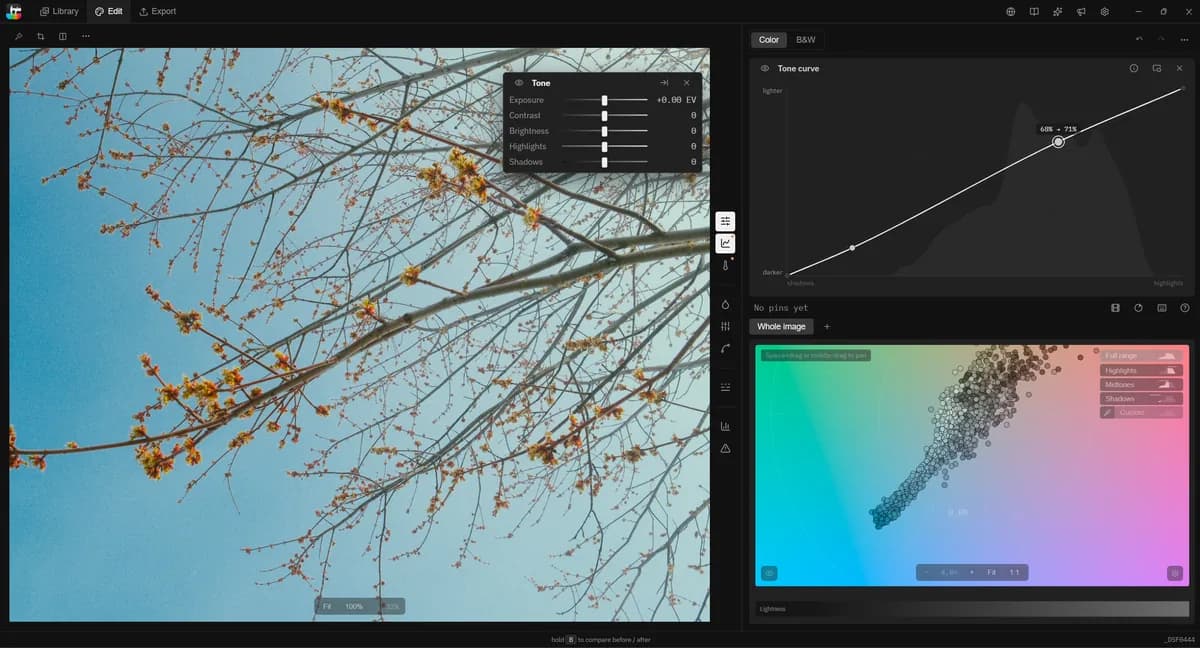
- Tone controls — Shape exposure, brightness, highlights, and midtones with curves and sliders.
- Linear and radial masks — Grade specific areas of your photo with precision.
- Luminance selection — Treat the same color differently in shadows, midtones, and highlights.
- Color EQ — Fine-tune saturation within individual hue ranges.
- Chroma curve — Adjust muted and vivid colors independently.
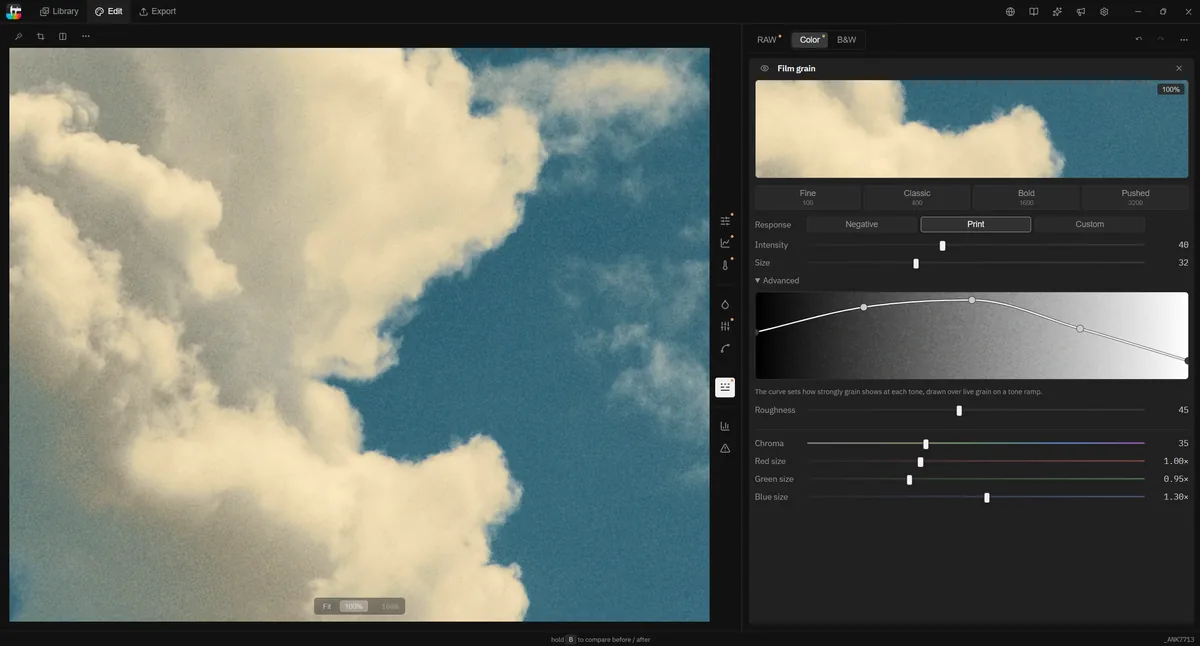
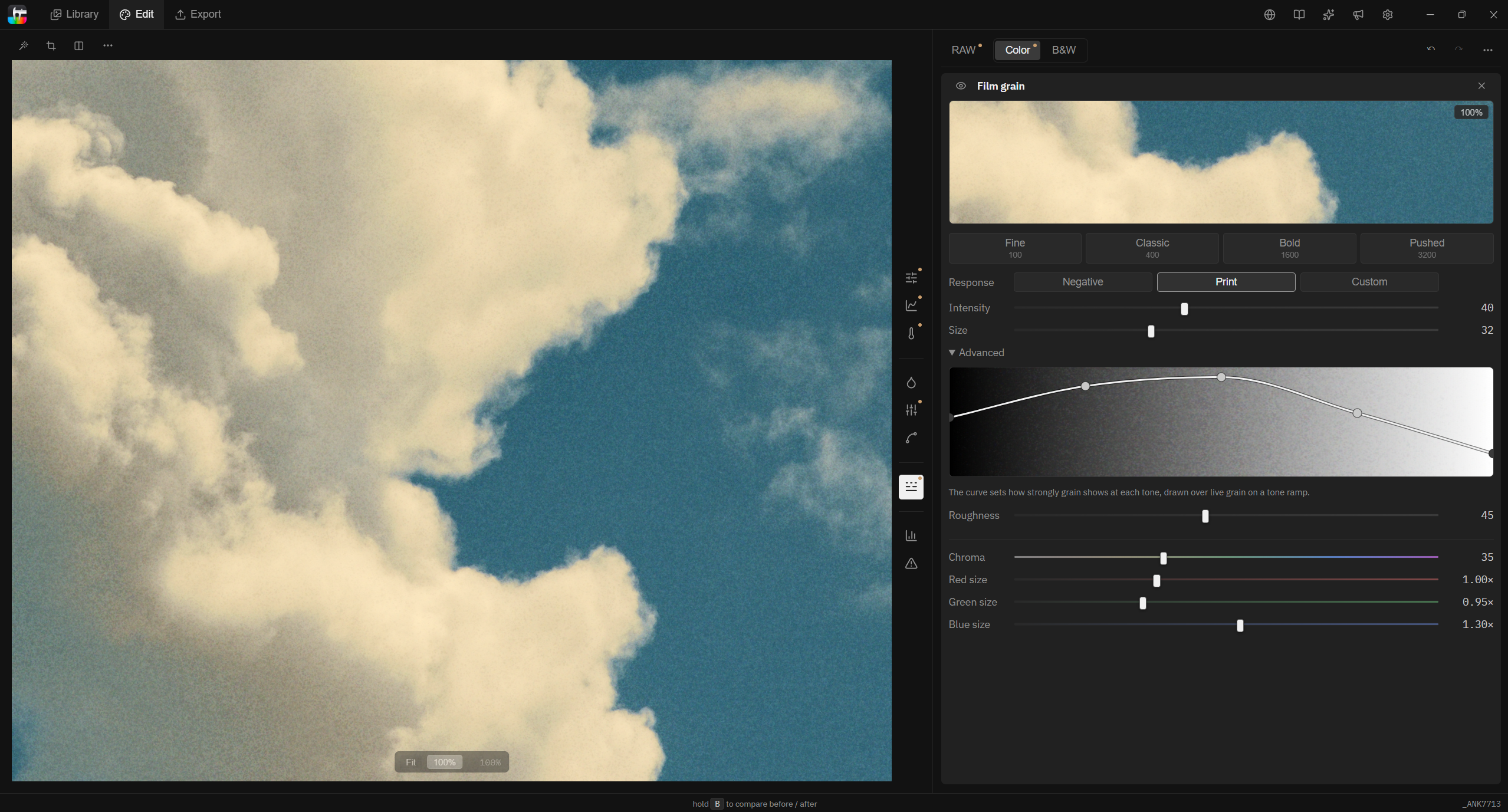
- Film grain — Shape texture with grain presets, size, intensity, and tonal controls.
- LUT import and export — Customize existing looks and export grades for your video editor.
- Reference images — Drop an image onto the wheel to see its colors alongside your photo’s.
- Personal recipes — Save your look and apply it to other photos.
- Community recipes — Explore looks from other photographers and make them your own.
- Photo culling — Pick, reject, rate, and color-label your photos.
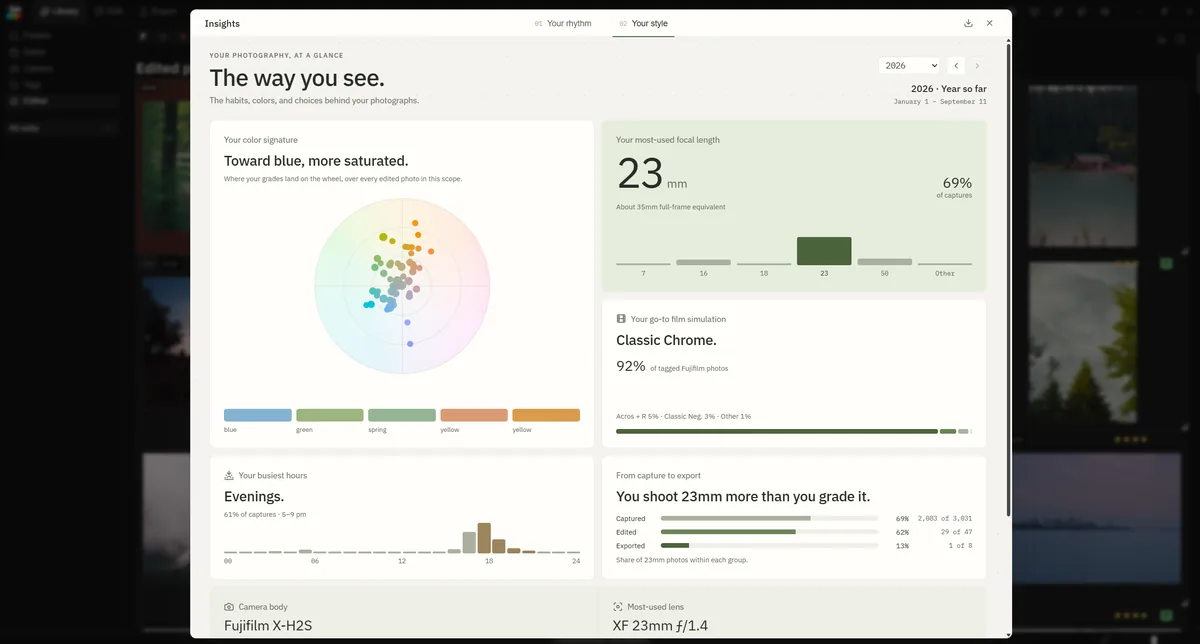
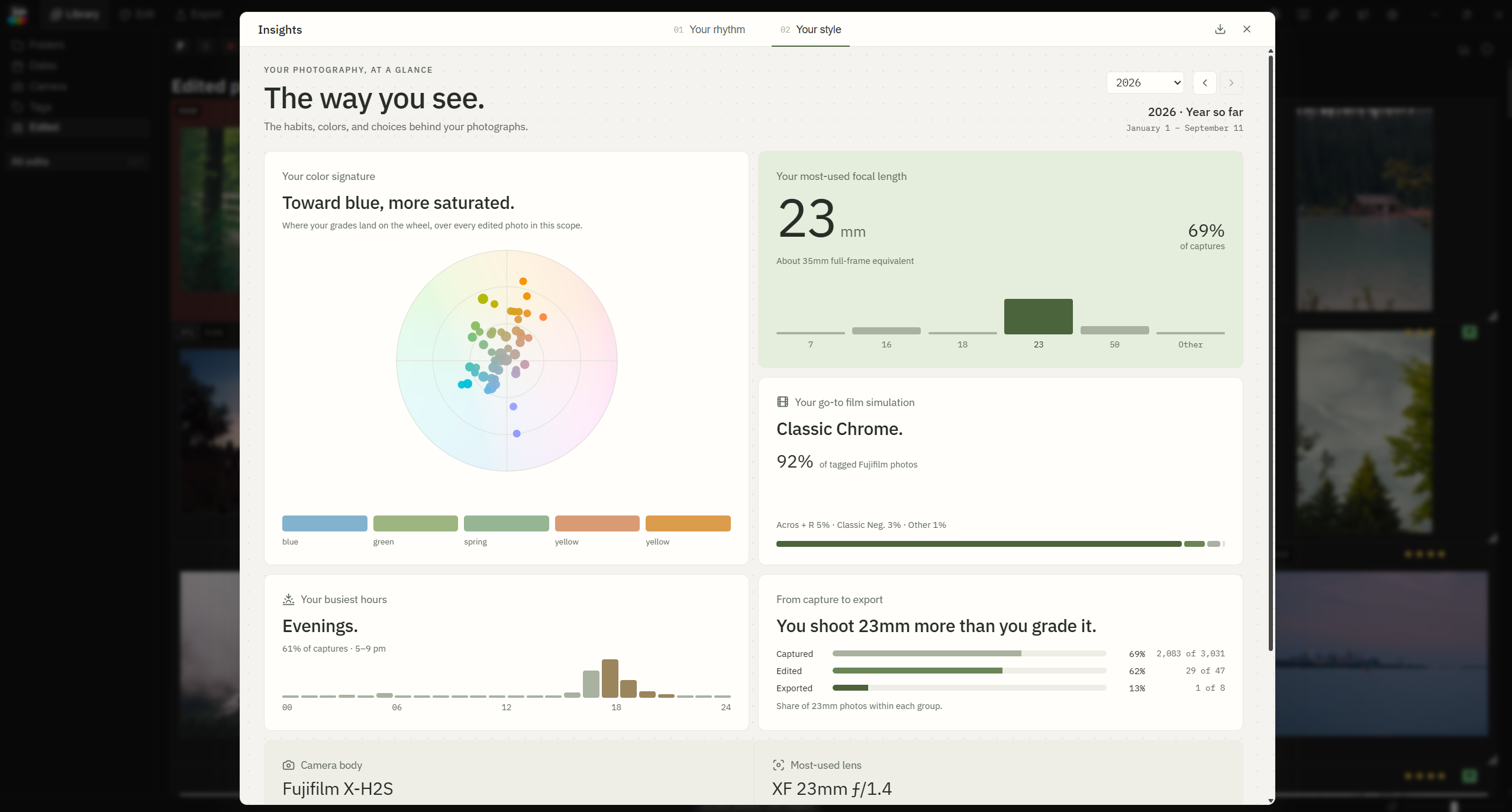
- Photography insights — Discover patterns in your shooting, editing, and gear use.
- Borders and frames — Add a finishing touch when you export.
- Windows and macOS support
Logo
The app icon is the mark. Please use it as shipped — don't recolor it, restyle it, or redraw the spectrum strip.
Screenshots
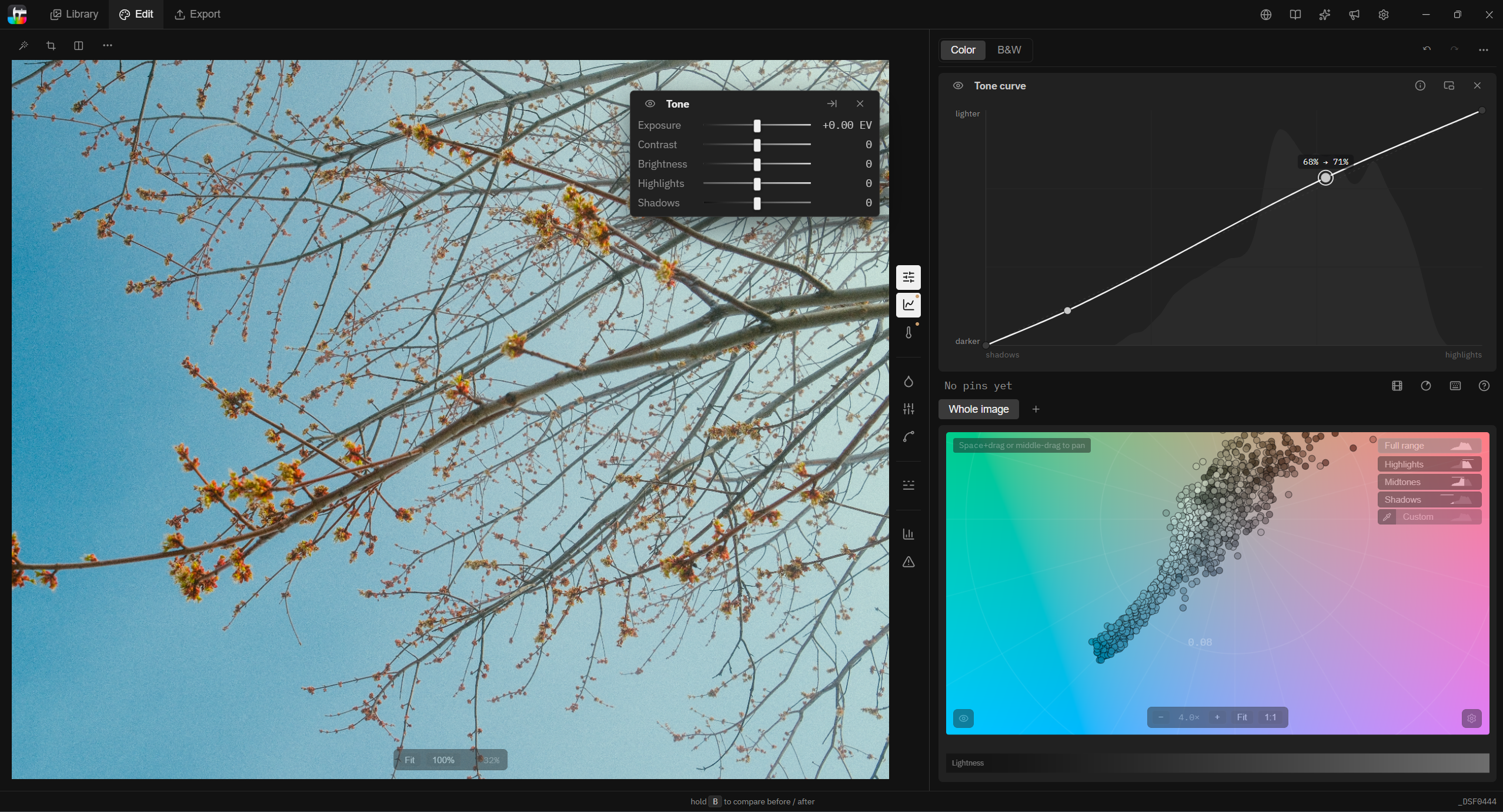
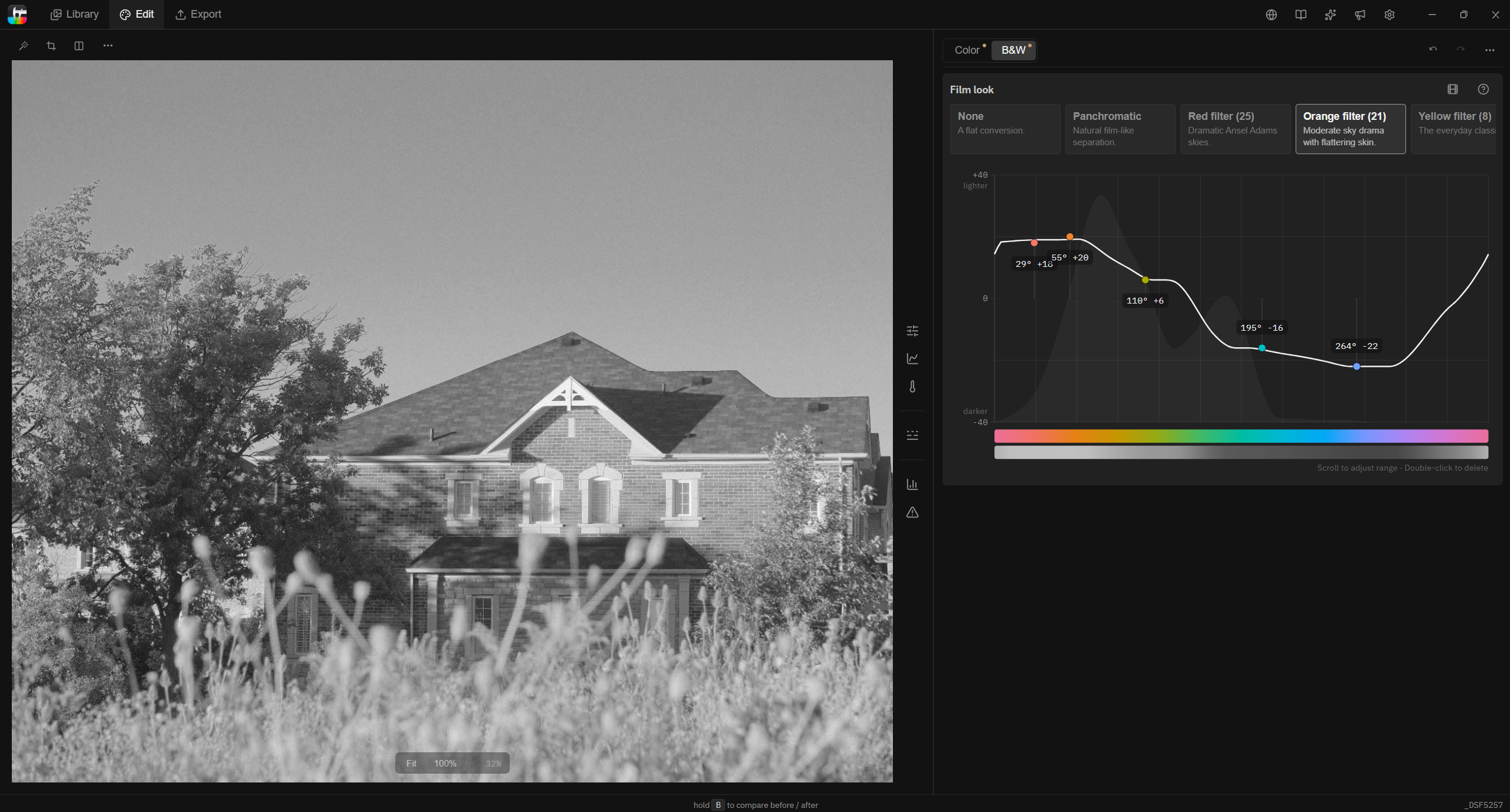
Real captures of the app, free to publish as-is or cropped. Click any download for the full-resolution PNG.
Good to know
- The name is Tone Caliper — two words, both capitalized.
- It is a one-time purchase of $59, not a subscription, and one license covers up to three computers.
- Originals are never modified. Every edit lives in a single catalog file the user controls, so any photo can be reworked or reset at any time.
- Editing is fully local — photos are never uploaded, and the library is not used for analytics.
- The 7-day trial is the complete app, editing and export included — nothing is locked or watermarked.
Want to try it for a review? The trial is the full app for 7 days — or email contact@tonecaliper.com and we'll set you up with a review license.